|
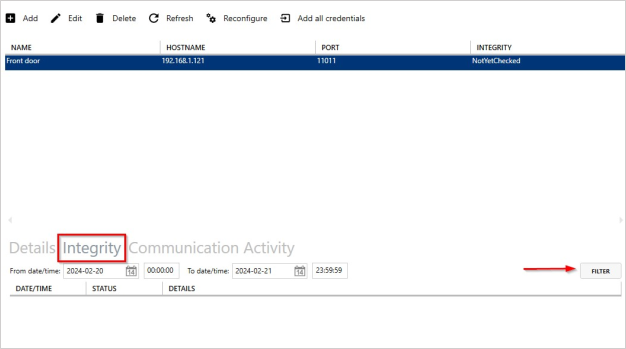
Details about the integrity checks can be found here. Last run date/time and the result of the integrity check. The integrity check will validate the device settings are correct, and if the correct credentials are on the device.
If the device settings are incorrect, you can use the "Reconfigure" function to rectify the device configuration.
If users are missing from the device, or vice versa, you can use the "add all credentials" function to rectify the credentials downloaded to the device.
Click the "Filter" button to show any logs that match the date range.
|

